The Smart Way to Manage Translations Across Multiple Languages and Scripts
Estimated reading time: 8 minutes
Key takeaways
- Centralize translations with a translation management system (TMS) to keep source content, assignments, and revision history in one place.
- Save time and money using a translation memory to reuse approved segments and keep terminology consistent across products and manuals.
- Handle RTL and scripts properly — mirroring layouts, bidirectional support, and correct fonts are essential for Arabic, Hebrew, and similar scripts.
- Localize, don’t just translate — adapt units, images, and legal/regulatory content to each market for usability and compliance.
- Use version control and QA in your TMS to track changes across dozens of languages and catch errors before publication.
Why Translation Gets Complicated Fast (And How to Fix It)
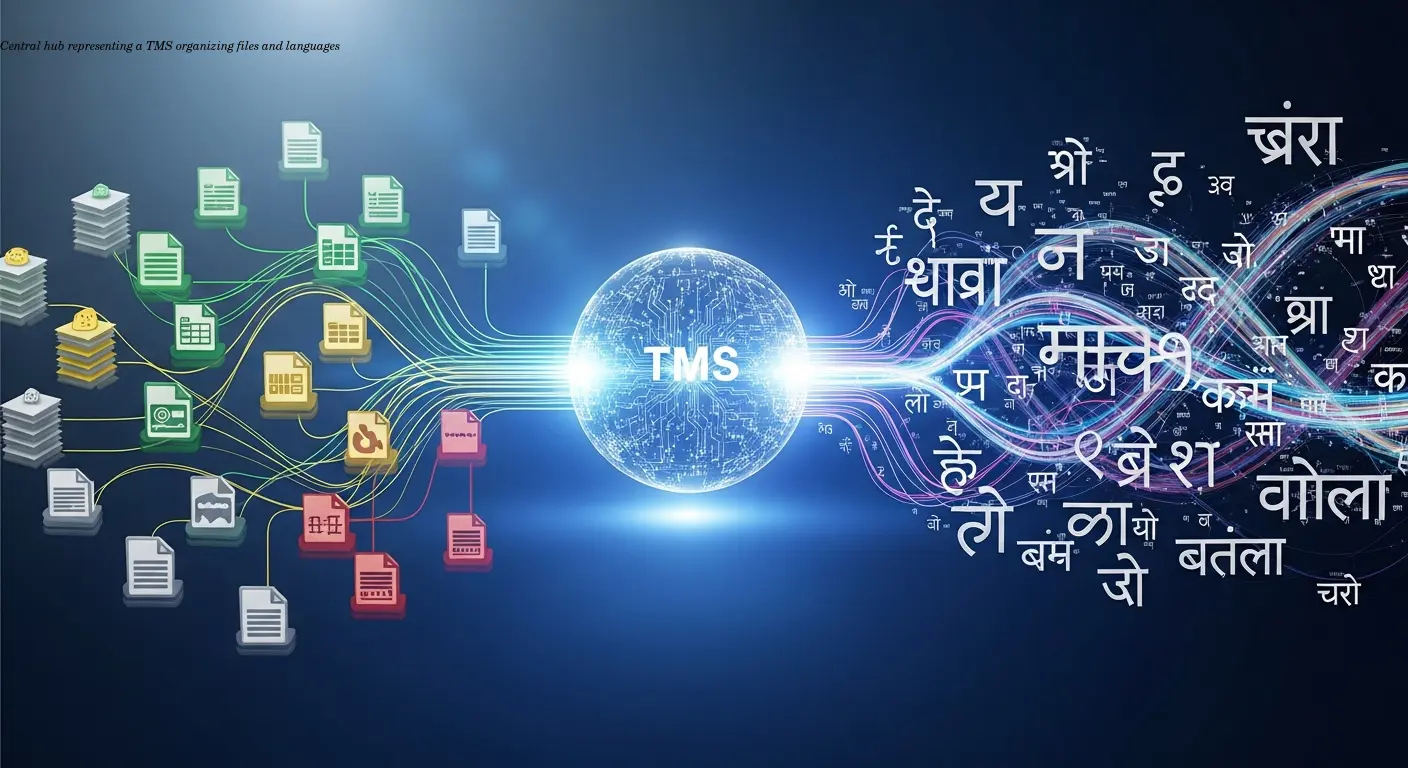
Real-world chaos: I remember working with a shop owner who sold industrial equipment manuals in 12 different languages. She was managing everything through email chains and spreadsheets, and it was a nightmare. One update to the English manual meant manually tracking down 12 translators, sending files back and forth, and hoping nothing got lost in the process. Version control? Basically non-existent.
A TMS acts as a central hub where all your translation work lives, breathes, and gets organized. Instead of juggling files across email threads, everything stays in one place—your source content, all target languages, translator assignments, and revision histories.
The real magic appears when you scale: handling different scripts (Cyrillic, Arabic, Chinese), various text directions, and cultural nuances that can make or break your brand message. Platforms like Smartling, Crowdin, and Lokalise are built around solving these problems by automating repetitive tasks, flagging quality issues, and helping teams collaborate seamlessly.
For shop owners selling appliances or equipment globally, this isn't just about convenience—it's about protecting your brand reputation. A poorly translated safety warning or installation instruction can lead to serious consequences.
How Translation Memory Systems Save Your Budget
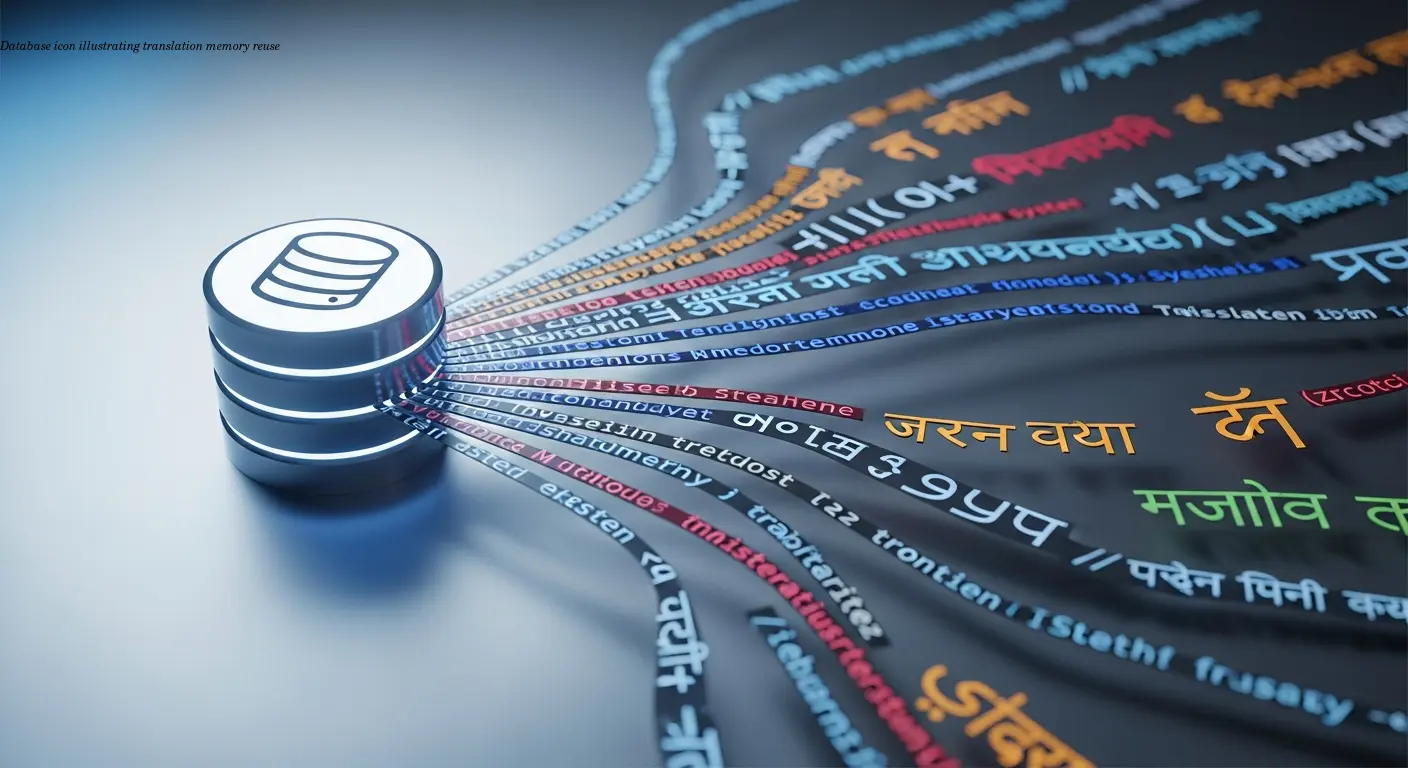
Repeat content is expensive—unless you stop repeating the work. Product specifications, safety warnings, and common interface elements appear repeatedly. A translation memory (TM) stores every translated segment so the next time identical text appears the TMS suggests the approved translation automatically.
I've seen this cut translation costs by 40–60% for companies with repetitive content. One appliance manufacturer had standard safety disclaimers used across hundreds of manuals; once stored in the TM, subsequent projects pulled those translations automatically, preserving consistency and saving budget.
Beyond cost: TM ensures consistent terminology. It also improves translator decisions by providing context and previous translations—critical when multiple translators or agencies and different time zones are involved.
Mastering Right to Left (RTL) Languages Without Losing Your Mind
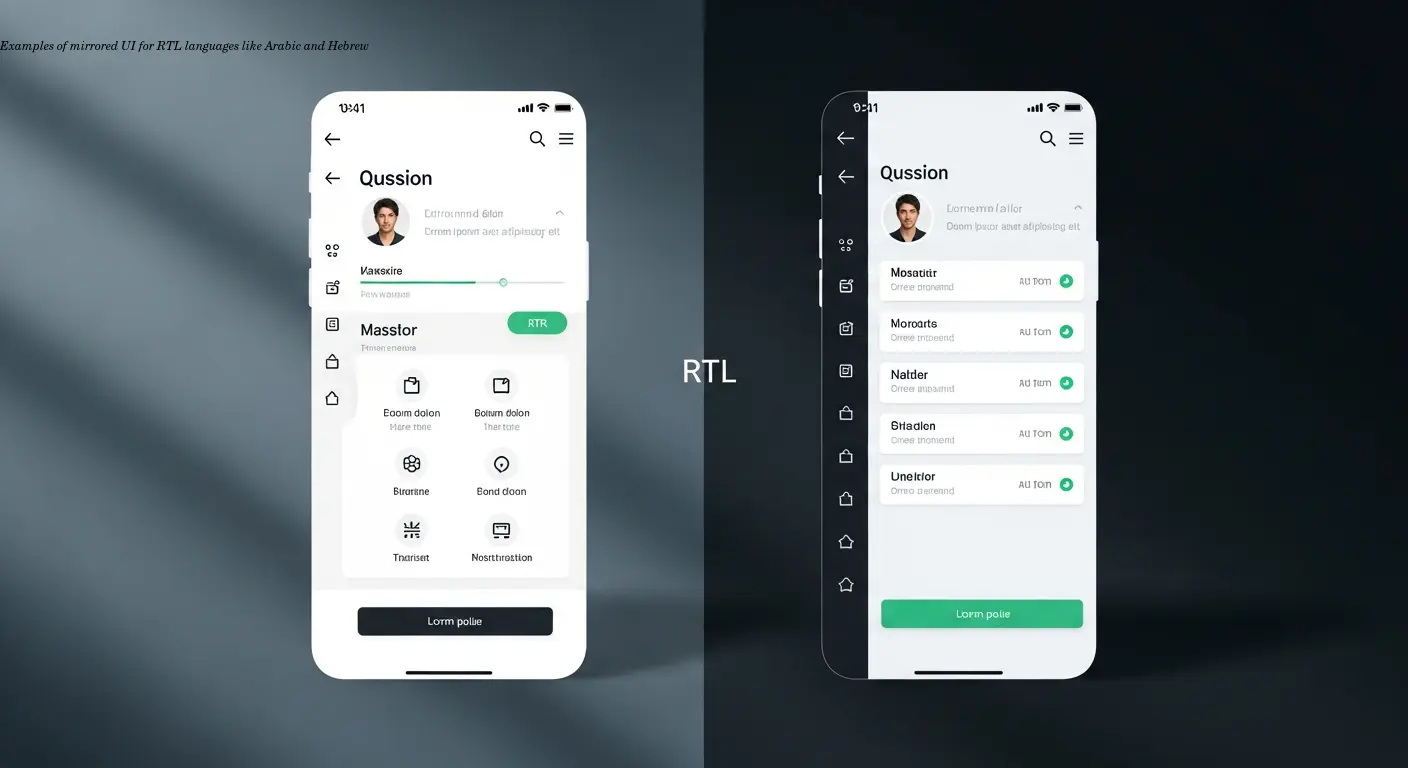
Right-to-left languages present unique challenges. I once saw an Arabic furniture manual where step numbers still ran left-to-right—making the instructions unusable. For Arabic, Hebrew, Farsi, Urdu, the entire UI often needs mirroring: menus, progress indicators, bullets, and layout flow.
Bidirectional text (mixing English product names or numbers inside RTL text) is another headache. Without proper tooling, mixed content can break layout or appear jumbled.
Font choice matters: many fonts lack necessary diacritics and contextual forms for Arabic, causing visually garbled text. A TMS with preview tools that render how translations appear in context will catch these problems early—saving reprints and embarrassing recalls.
Best practice: choose translation platforms that explicitly support RTL with preview tools and always include native-speaker QA for layout checks before publication.
Translation vs Localization: Why the Difference Matters
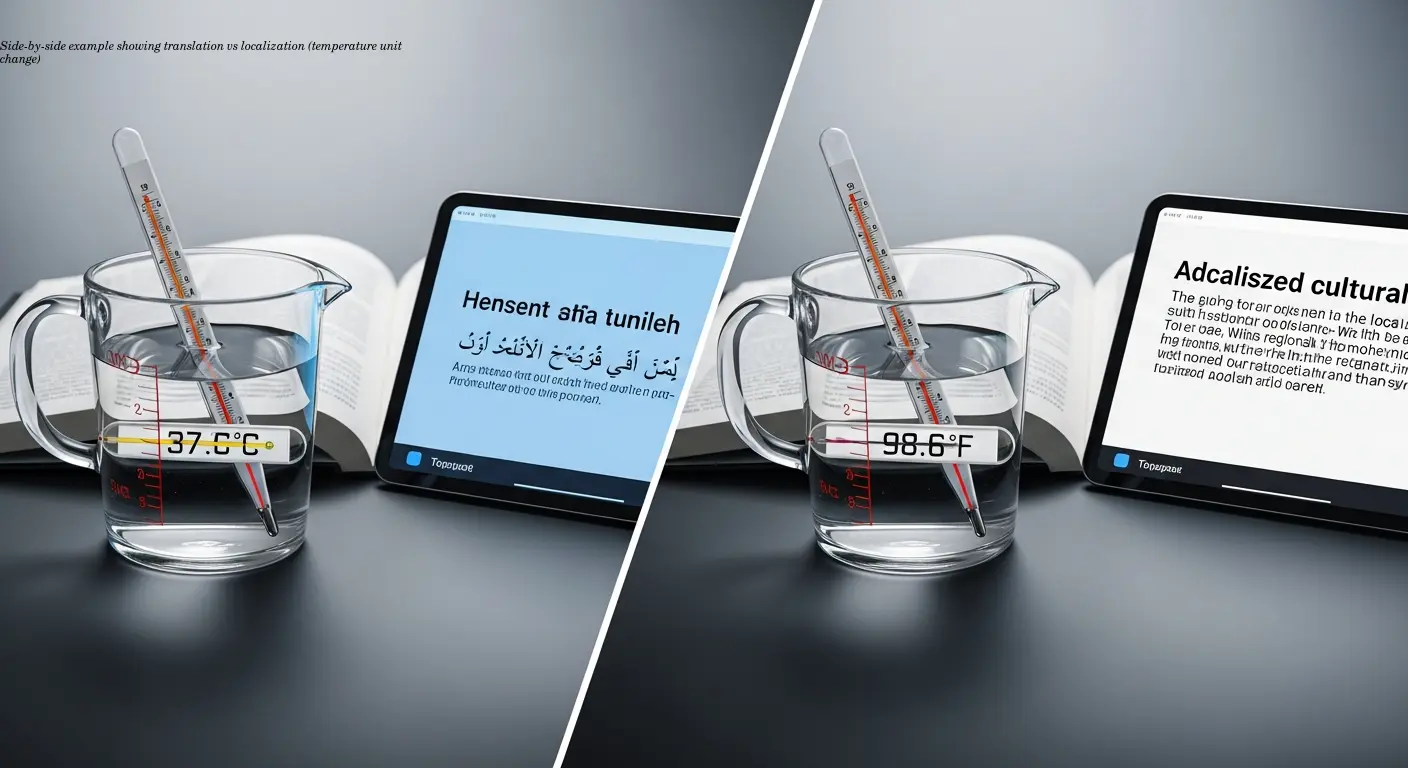
Although often used interchangeably, translation and localization serve different goals. Translation converts words from one language to another. Localization adapts content to local cultural norms, formats, and legal expectations.
Example: A washing machine manual that says "wash at 90°F". A straight translation converts words, but localization changes it to "wash at 32°C" and adapts the entire presentation to local expectations. Cultural norms, images, colors, and legal requirements all require localization, not just translation.
A capable TMS supports localization workflows—swapping images, adjusting layouts, and changing content structure per locale—while keeping version control and consistency across product lines.
Version Control: Keeping Track of Changes Across 30 Languages
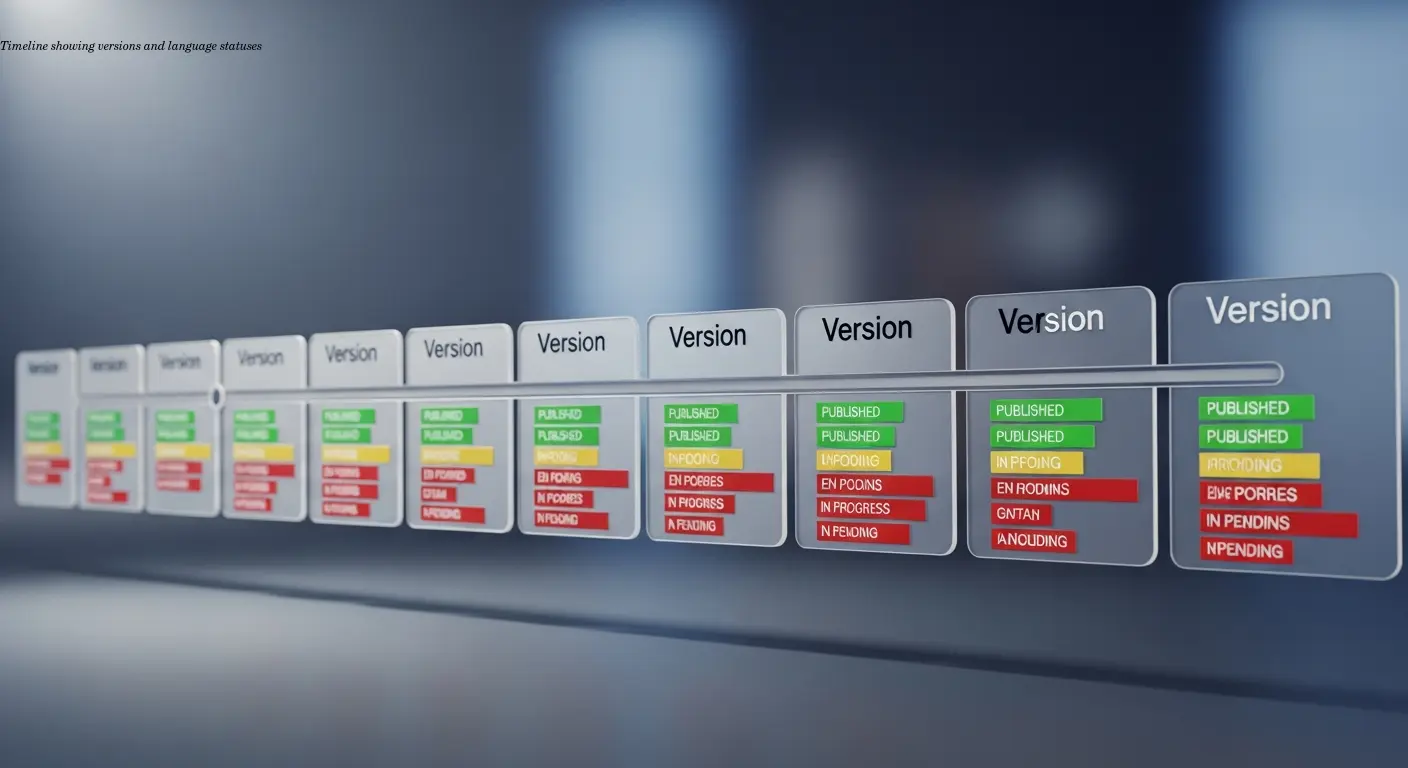
Version management becomes exponentially complex with many languages. Good TMS platforms flag which translations need updates when source content changes and track status per language: current, in progress, awaiting review.
Rollback is critical: if an update causes confusion or errors, you must revert to a previous translation quickly. Advanced systems integrate with content workflows to detect changes and trigger translations only for affected sections, avoiding retranslation of unchanged content.
For regulated products, precise version tracking is essential to maintain compliance and avoid costly incidents.
Setting Up Workflows That Actually Work for Your Team
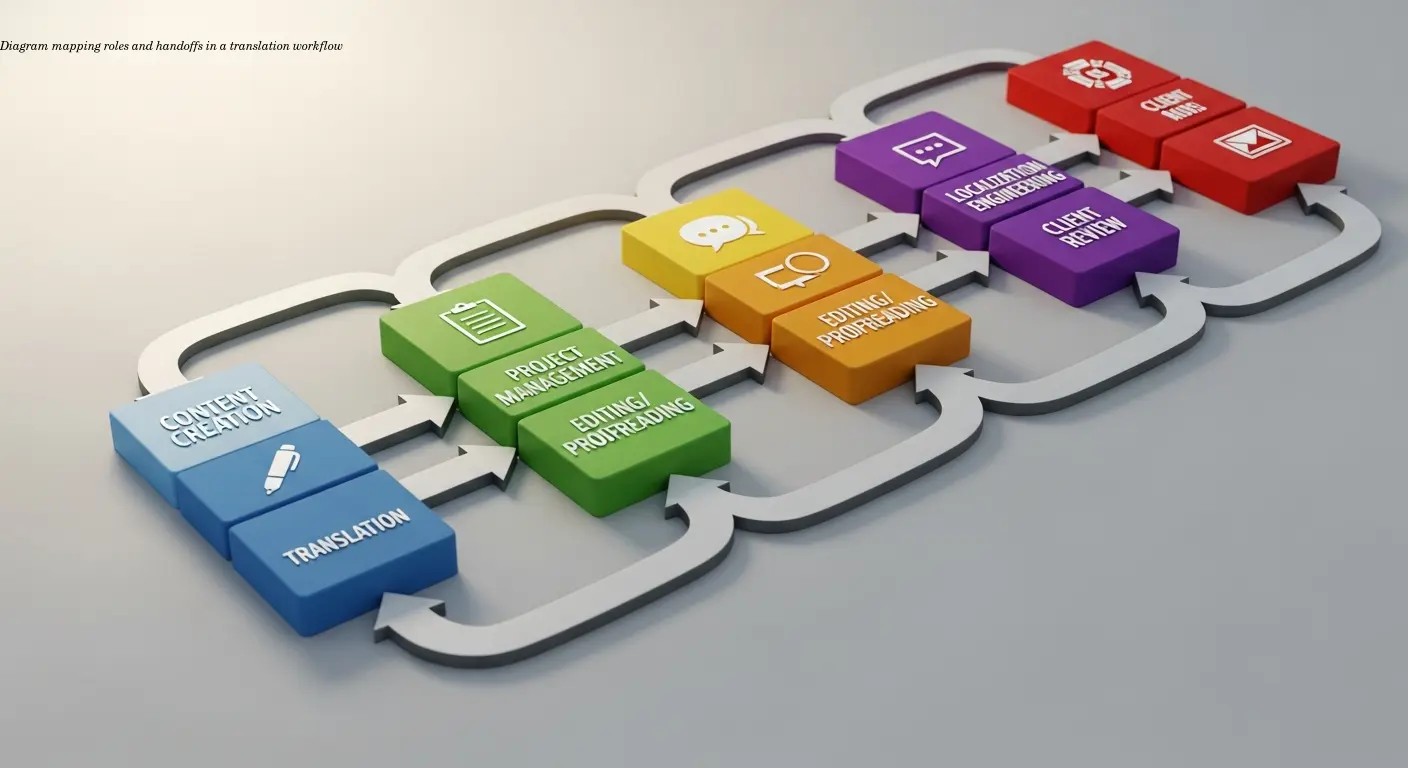
A TMS should fit your team's real process, not force you into a rigid mold. Start by mapping your current workflow: who creates source content, who reviews, how translators get assignments, and who does QA and approvals.
Role assignment is crucial: project managers, translators, reviewers, and approvers must have clear responsibilities. Collaboration features—comments, screenshots, and contextual questions—dramatically improve quality and reduce back-and-forth.
Automation helps for imports, auto-assignment, and basic QA checks—but keep humans for cultural decisions and brand voice. A useful integration example: connecting TMS notifications to Slack reduced one team's turnaround by three days because reviewers received instant alerts.
Quality Assurance: Catching Problems Before Your Customers Do

For technical documentation and manuals, QA is non-negotiable. Automated checks catch untranslated segments, inconsistent terminology, punctuation errors, and number mismatches. While automated tools won't catch every nuance, they remove low-hanging fruit so human reviewers can focus on subtle issues.
Glossaries and style guides are essential. They lock down product-specific terminology and tone so multiple translators produce a coherent document. A multi-stage review flow—translator → reviewer → native-speaker QA → final approval—is best for critical content.
Human review is especially important for RTL languages and culturally different markets where native speakers catch phrasing and cultural mismatches automated tools miss.
Choosing the Right Translation Management System for Your Needs
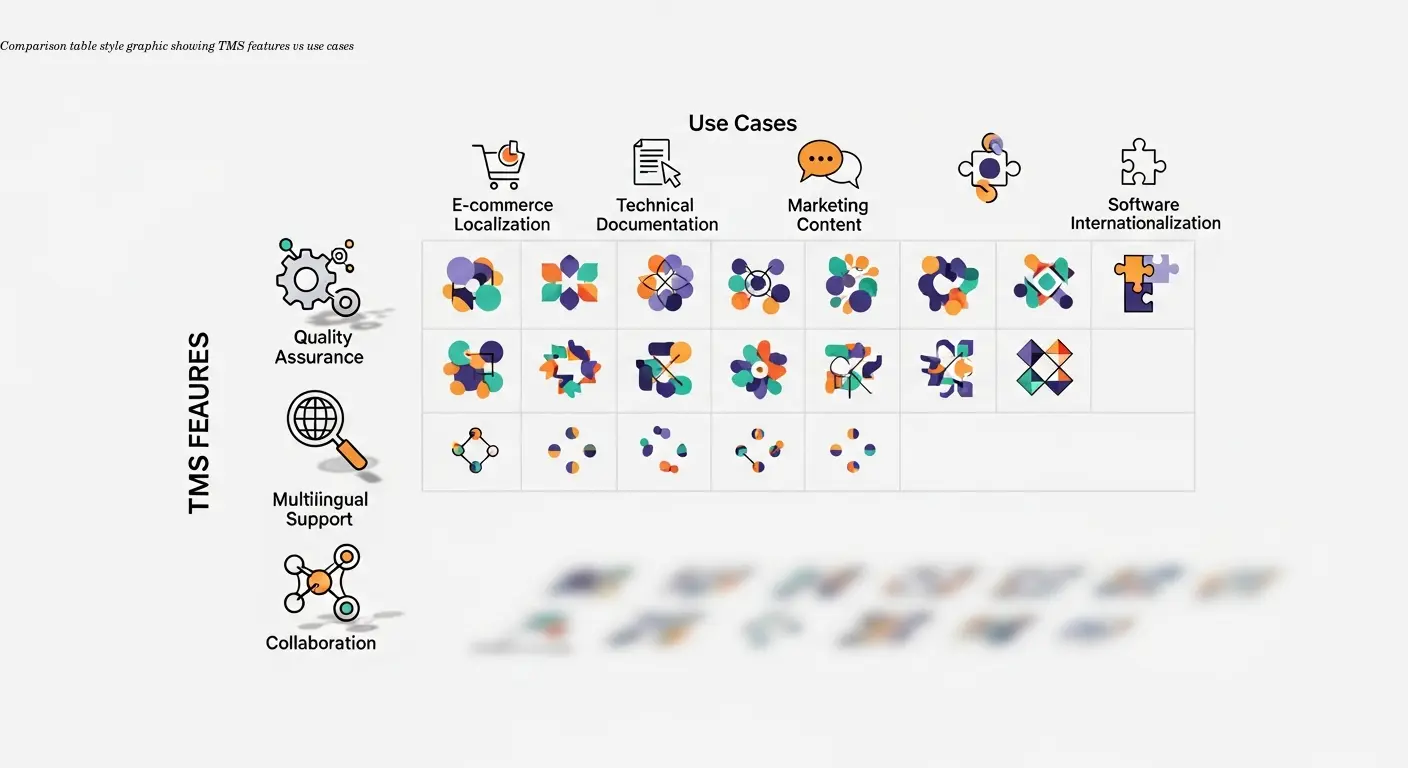
The TMS market is crowded. Match the tool to your use case: how many languages, update frequency, file formats (PDF, InDesign, CAD), in-house translators vs agencies, and required integrations with CMS or product databases.
Lokalise and Crowdin are strong for web content; Smartling targets enterprise needs and complex workflows. Evaluate file format support, previewing, onboarding, and vendor support. A powerful platform without training is useless—prioritize vendors that offer onboarding and responsive support.
Test with real content before committing—use trials or demos with your team managing actual projects to see which platform fits your workflow and scale.
FAQ
What's the main difference between a TMS and a translation memory system?
A translation memory system is actually a component within a TMS. Translation memory stores previously translated segments for reuse, while a translation management system is the broader platform that includes translation memory plus project management, workflow automation, quality checks, collaboration tools, and version control. Think of translation memory as one powerful feature inside a complete management solution.
Do I really need a TMS if I only translate into 5-6 languages?
It depends on your volume and update frequency. If you're translating static content once and done, maybe not. But if you're regularly updating manuals, adding new products, or managing ongoing translation needs, a TMS pays for itself quickly through time savings and consistency—even with just a handful of languages. The version control and translation memory features alone can justify the investment.
How do I handle right to left languages if my TMS doesn't have great RTL support?
You can work around it, but it's painful. You'd need to handle layout mirroring manually, work closely with translators on bidirectional text issues, and do extensive testing with native speakers. Honestly, if RTL languages are important markets for you, choose a TMS with proper RTL support from the start. The workarounds cost more in time and errors than switching to better technology.
Can a TMS integrate with my existing content management system?
Most modern platforms offer integrations with popular content systems through APIs or pre-built connectors. The level of integration varies—some allow automatic content syncing, while others require manual import/export. Check whether your specific CMS or product management system is supported before committing to a TMS, as seamless integration dramatically reduces manual work.
How much does a translation management system typically cost?
Pricing varies wildly depending on features, volume, and whether you're looking at SaaS platforms or enterprise solutions. Some platforms charge per word translated, others have monthly subscriptions based on features and number of users. Expect anywhere from a few hundred dollars monthly for basic plans to thousands for enterprise-grade systems. Many offer free tiers for small projects, which is a good way to test before scaling up.
Is localization really necessary, or is basic translation good enough?
For technical documentation and product manuals, localization matters more than you might think. Sure, technically accurate translation conveys the information, but localization ensures your content feels natural, follows local conventions, and complies with regional regulations. The difference shows up in customer satisfaction, reduced support inquiries, and fewer returns due to confusing instructions. For global brands, proper localization is worth the investment.