How to Master Multilingual Translation Projects: A Complete Guide to Translation Management Systems
Estimated reading time: ~12 minutes
- Centralize and automate: a translation management system (TMS) centralizes multilingual content and automates workflows to save time and money.
- Reuse and consistency: translation memory systems reduce costs and keep your brand voice uniform across manuals and documentation.
- Handle RTL carefully: right‑to‑left languages need UI mirroring, font and layout adjustments, and bidirectional text handling.
- Localization > translation: adapt measurements, formats, images, and cultural cues—not just words—to each market.
- Versioning and QA: proper version control and built‑in QA tools prevent errors, ensure compliance, and maintain quality.
Understanding Translation Management Systems and Why You Need One
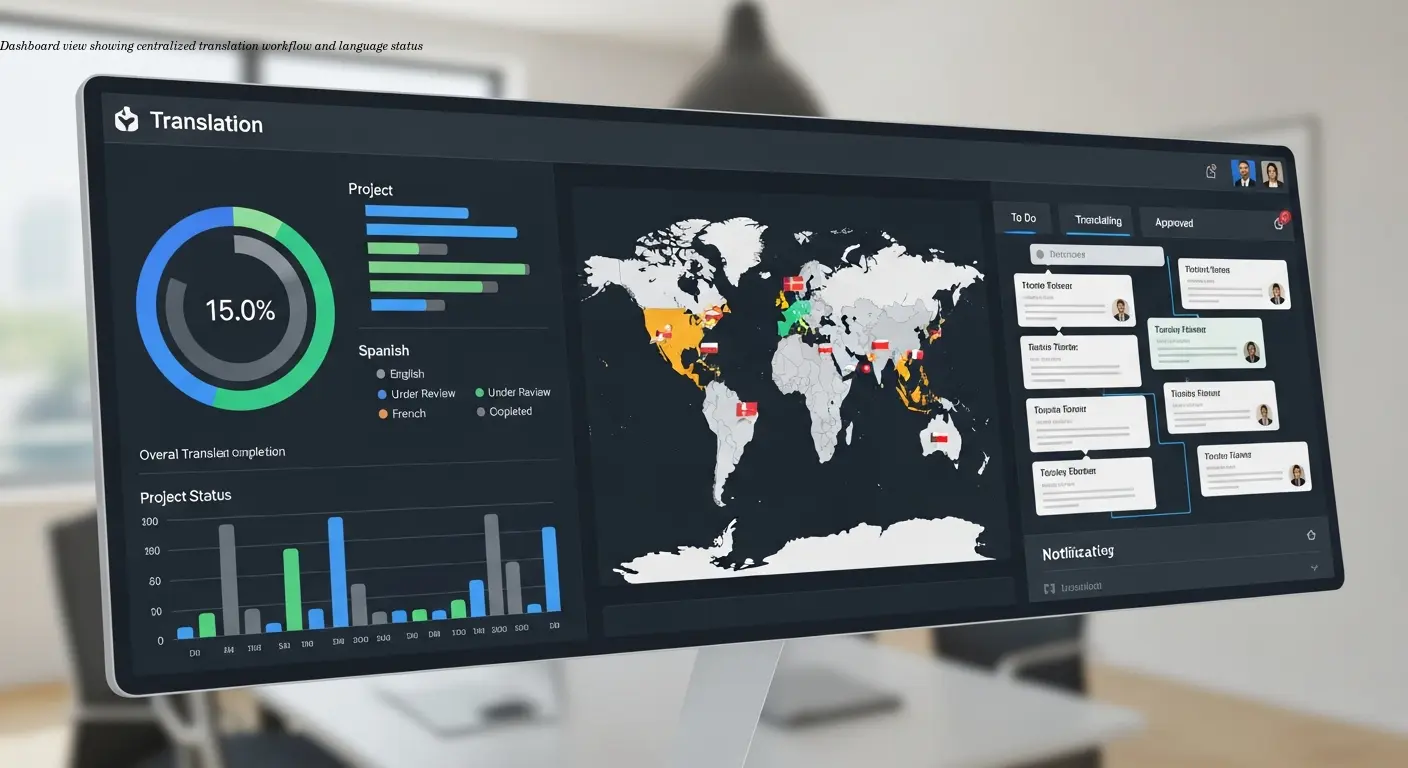
A translation management system (TMS) is essentially your central hub for managing all translation projects across multiple languages. Instead of juggling spreadsheets, email chains, and different translators working in isolation, a TMS brings everything into one platform where you can track progress, maintain quality, and ensure consistency.
For shop owners selling appliances internationally, this technology becomes critical when you're translating product manuals, safety instructions, and warranty documents into dozens of languages. I've seen businesses struggle with outdated manuals because they couldn't track which version was current in which language—a TMS solves this problem completely.
Modern systems like Smartling, Crowdin, and Lokalise offer features that go way beyond simple document translation. They integrate with your existing workflow, connect to your website or product database, and automate repetitive tasks that used to eat up hours of manual work. The time savings alone justifies the investment for most growing businesses.
Scalability is a major advantage: whether you're translating into 5 languages or 50, the system handles complexity without requiring a large, dedicated localization team. Workflow automation means new content gets routed to the right translators automatically, and you receive notifications when reviews are needed.
Quality control features in enterprise-grade systems catch common errors—terminology mismatches, formatting issues, and inconsistencies with brand voice—before they reach customers.
Benefits at a glance
- Centralized project tracking
- Automated workflows and notifications
- Integration with existing tools
- Built‑in QA and terminology management
How Translation Memory Systems Save Time and Money
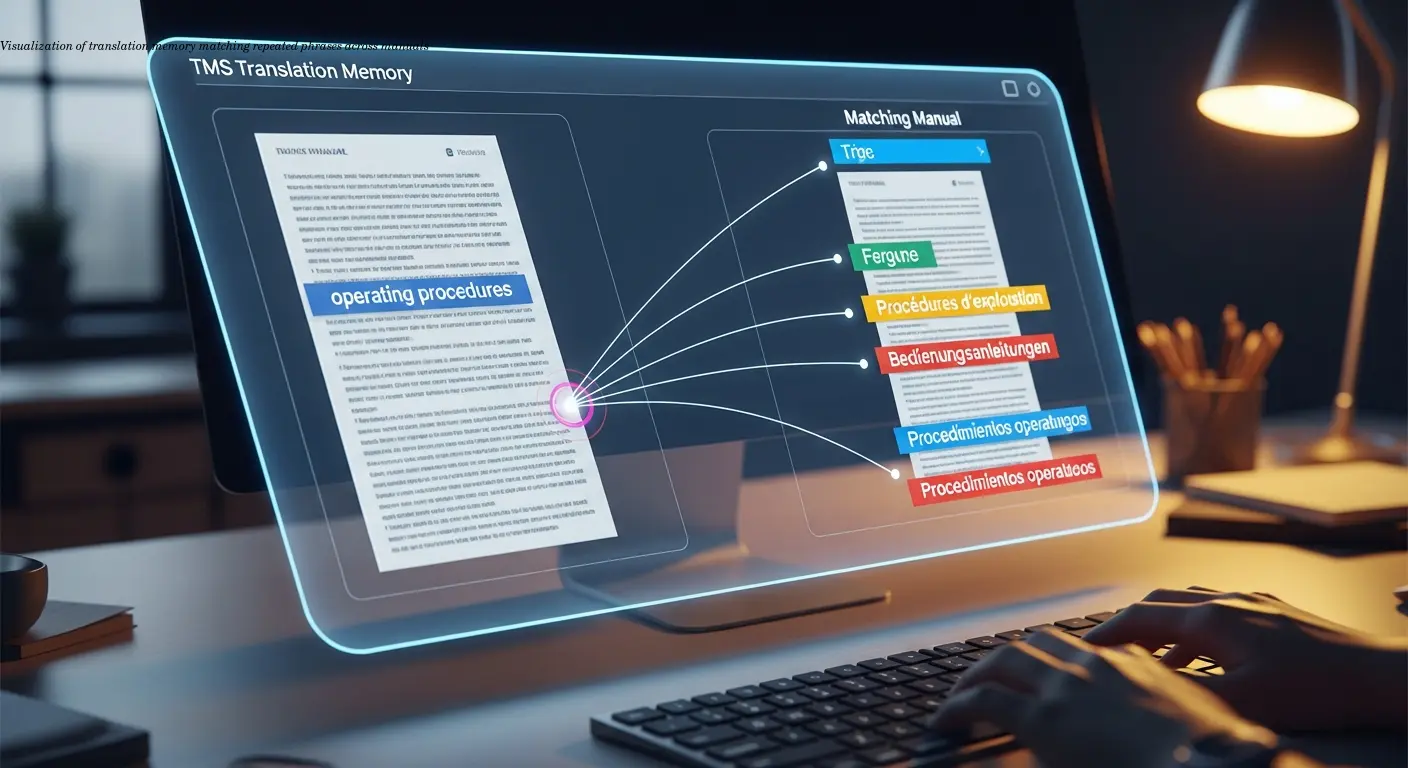
Translation memory (TM) stores every approved translation in a database, then automatically suggests those same translations when identical or similar content appears again. For product manuals with repeated safety warnings or technical specifications, this is huge.
Real example: if every manual includes the phrase "Do not overload the drum," that phrase gets translated once into German, French, Spanish, and so on. The TM saves those translations, and every future manual that includes that phrase uses the exact same wording—no repeated costs.
TM delivers both cost savings and consistency. Translators focus on new content rather than re‑translating repeated phrases. On large projects, TM can reduce translation volume by 30–50%, directly lowering costs and shortening turnaround times.
Modern TM systems also suggest similar sentences and learn from translator corrections over time. This makes the feature more powerful with each project and accessible even to smaller teams.
Special Considerations for Right to Left (RTL) Languages
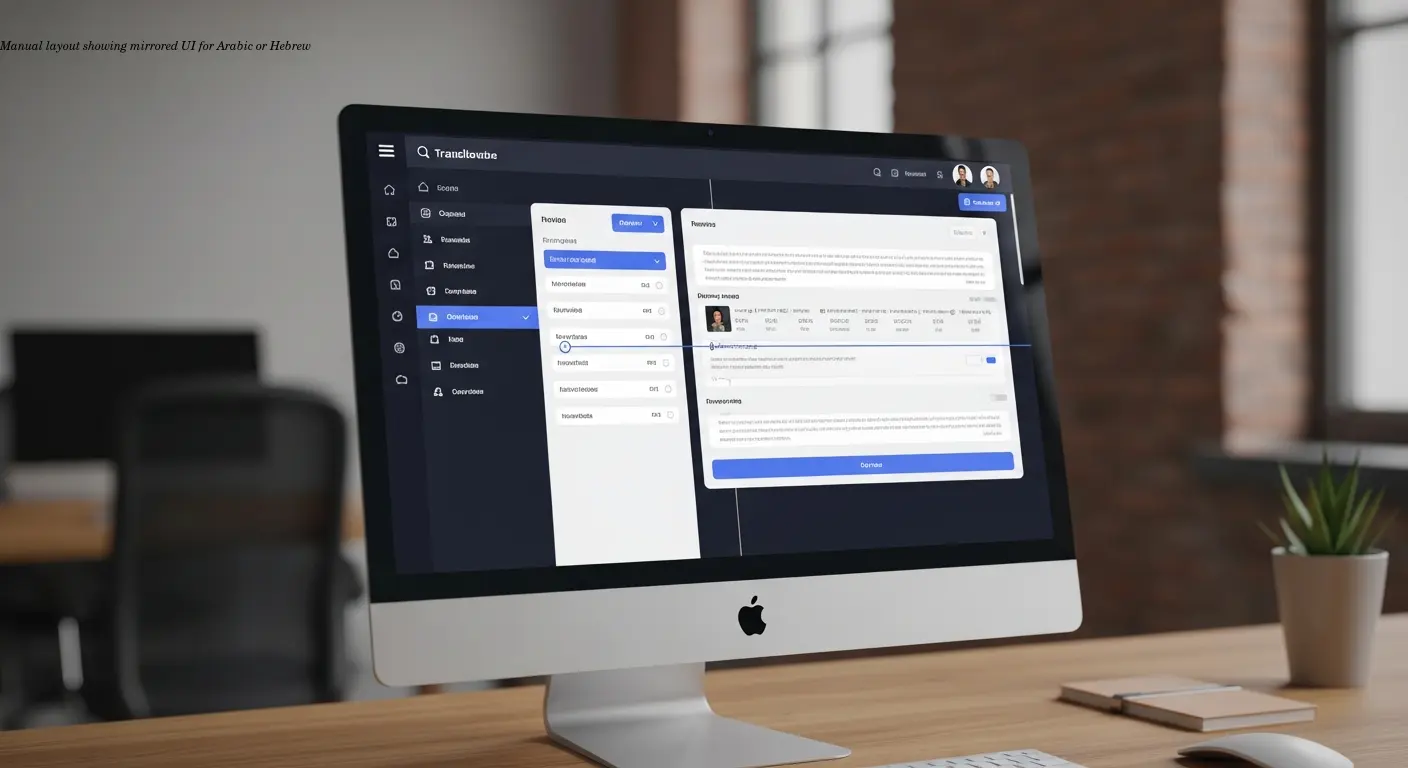
RTL languages (Arabic, Hebrew, Urdu) require more than literal translation. The entire user interface must mirror: navigation menus, buttons, icons, and even image flows often need flipping. I worked with a client that launched Arabic manuals without proper RTL testing; the table of contents appeared broken and hierarchical indentation was reversed—technically translated but unusable.
Font selection matters: not all typefaces support Arabic or Hebrew characters properly. Some Latin fonts that look fine fail in other scripts. Your TMS should preview final layouts so you catch these issues before printing.
Bidirectional text adds complexity when English model numbers or specifications sit inside RTL paragraphs. Poor handling creates spacing and alignment problems that confuse readers.
Layout elements like arrows and numbered sequences may need to be mirrored so diagrams remain accurate. Fortunately, modern TMS platforms include RTL support and visual context tools that let you preview translated manuals and avoid expensive reprints.
Translation vs Localization: Knowing the Difference
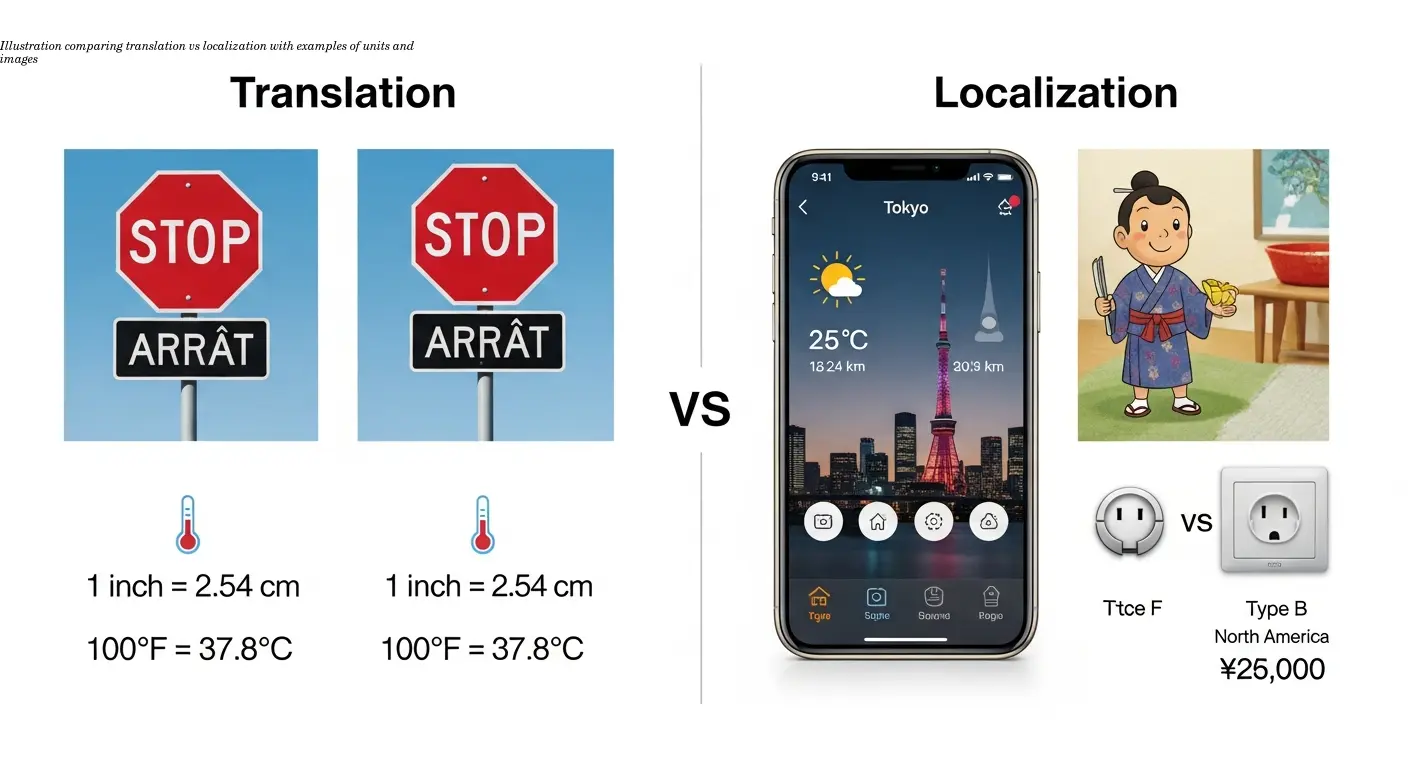
Translation converts text from one language to another while preserving meaning. Localization adapts content to regional preferences, cultural norms, and technical requirements.
For appliance manuals, localization includes converting measurements (metric vs imperial), showing correct electrical specifications, and adjusting images to reflect local usage. For example, temperatures should display as 20°C rather than 68°F for French customers.
Cultural adaptation also includes color choices, symbols, and hand gestures in diagrams—elements that can carry different meanings across markets. Your TMS should support both translation and full localization workflows so you can apply the right approach per content type.
Managing Versions Across Multiple Languages
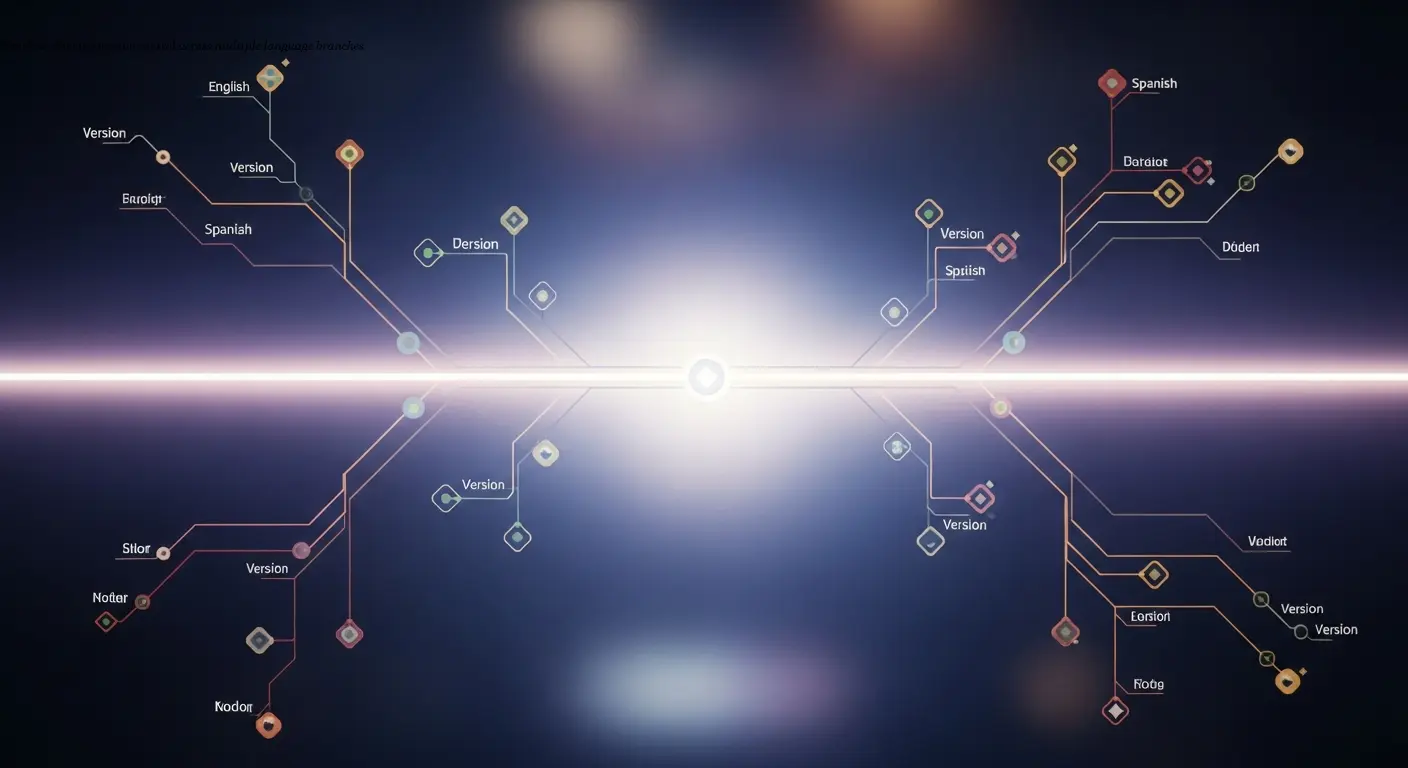
Version control is where many multilingual projects fail. If you update your English manual and translations lag, customers could receive outdated instructions—creating safety and liability risks. A robust TMS maintains a single source of truth and flags translated versions as outdated when the source changes.
The system should clearly label states—draft, current, archived, deprecated—so teams never work on old files. Continuous localization pairs well with agile development: translate and deploy updates incrementally rather than waiting for large batch releases.
Archiving deprecated versions prevents accidental publication while keeping records for regulatory compliance. Proper version control saves time and eliminates emergency retranslation projects.
Building Quality into Your Translation Workflow
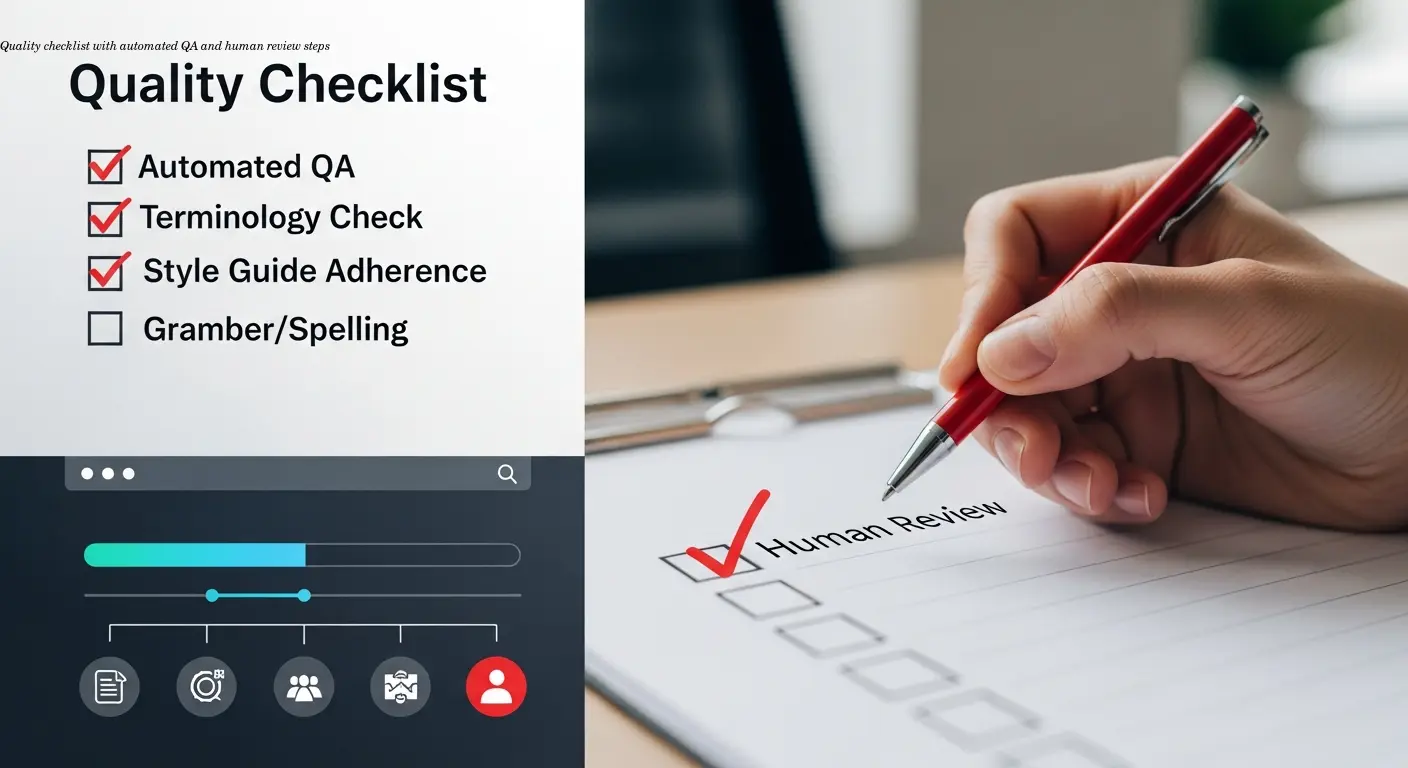
Quality assurance must be built into the TMS workflow. Automated QA checks catch spelling errors, terminology inconsistencies, formatting problems, and completeness gaps (for example, missing bullet points between language versions).
Human review remains essential: subject matter experts and native speakers validate accuracy and naturalness. Collaboration features let reviewers leave comments, suggest alternatives, and document decisions without losing context.
Regular feedback loops improve translator performance over time. When reviewers correct recurring errors, translators adapt and your translation memory captures those improvements—raising overall quality with each project.
Always test translated content in its final format: review PDFs or printed manuals for layout issues, and test digital content on actual devices in target markets.
Integrating Your TMS with Existing Business Systems
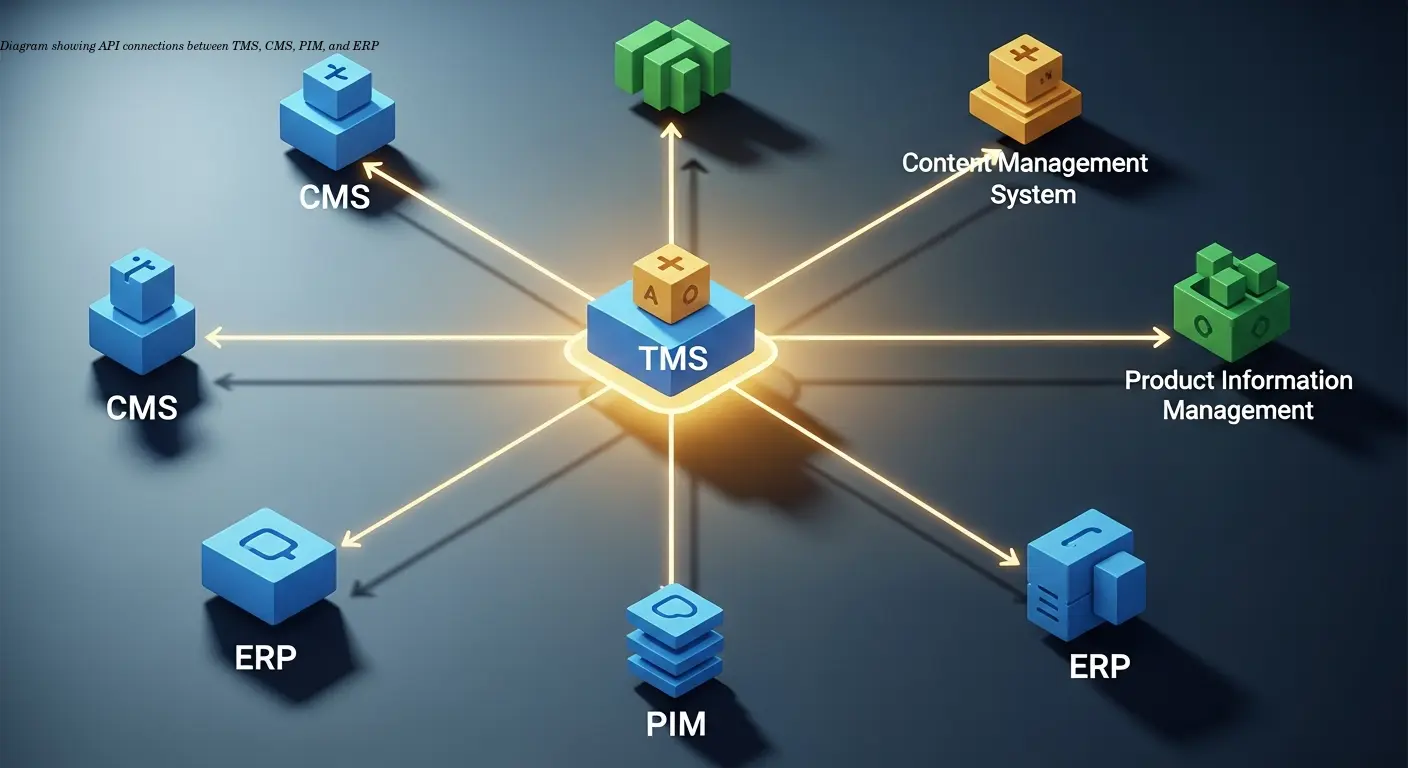
A TMS works best when it connects seamlessly with your CMS, product database, or documentation platform. Integration eliminates manual file transfers and reduces errors.
For example, platforms like Shopify or WordPress can be connected so new product descriptions automatically route to translators. API connections let the TMS pull source content and push completed translations back into the correct system.
Real‑time synchronization keeps everything current—when you update a product spec, changes flow to all language versions and translators receive updates automatically. Security and access control are important: the TMS should support permissions that keep sensitive business data protected while allowing translators access to necessary content.
Choosing the Right Translation Management System for Your Needs
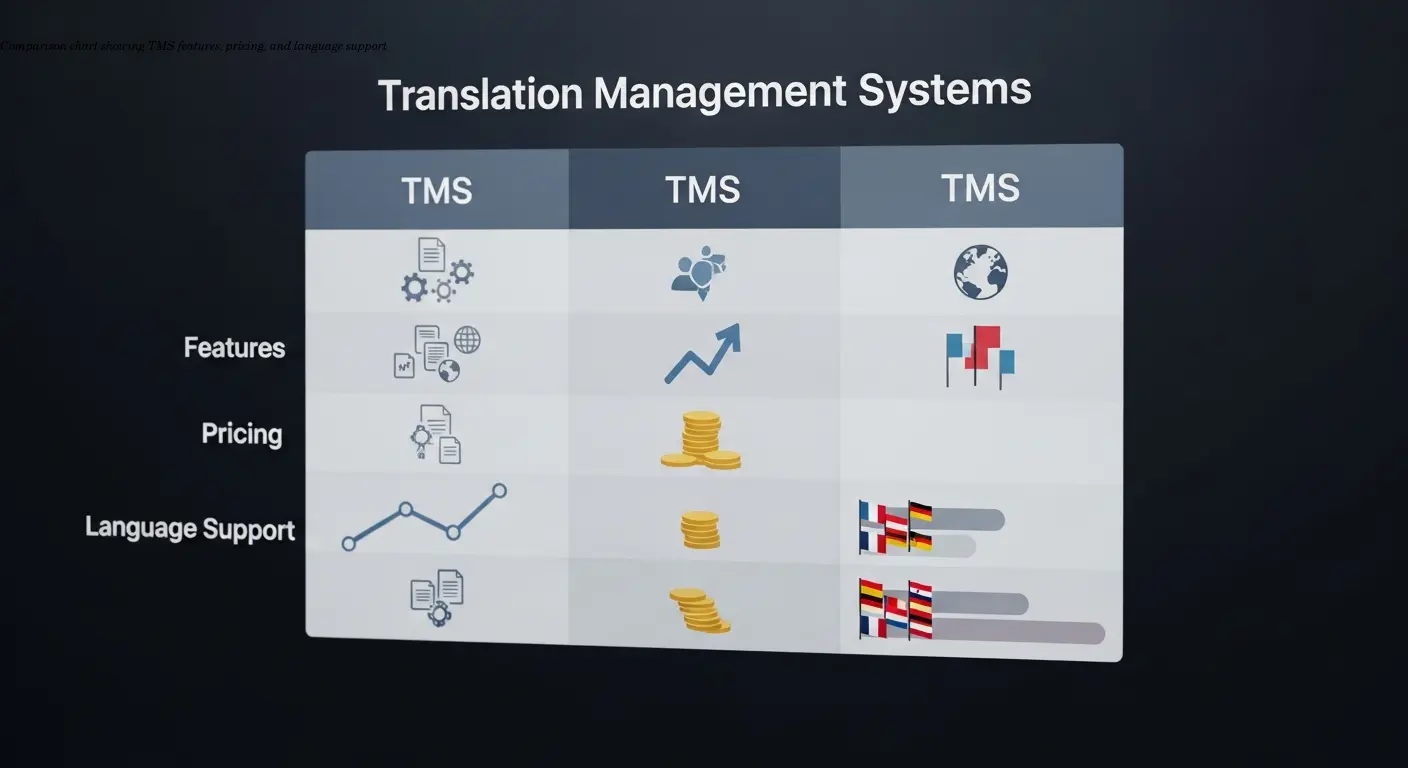
Selecting a TMS means balancing features, cost, ease of use, and scalability. Assess your current translation volume and projected growth. Needs vary widely: 10 manuals per year into 3 languages is very different from continuous translation of 100 manuals into 25 languages.
Check for support of your target language pairs (incl. RTL), robust collaboration and role-based permissions, and documentation or training resources. Pricing models differ—per-word, monthly subscriptions, or feature tiers—so calculate total cost of ownership.
Use trial periods to test platforms with real content and workflows. Specialized solutions for technical documentation can speed implementation for product manuals and safety documentation.
FAQ
What's the main difference between a TMS and translation memory?
A translation management system manages the entire translation workflow—assigning tasks, tracking progress, and coordinating team members. Translation memory is a feature within the TMS that stores previously approved translations for reuse. Think of the TMS as the whole car and translation memory as a key component under the hood.
Do I really need special handling for RTL languages or can I just translate the text?
You absolutely need proper RTL handling. Just translating the text without adjusting layout, directionality, and UI elements will result in unusable manuals. RTL languages require the entire interface to mirror, not just word-for-word translation.
How much can translation memory actually reduce costs?
For technical documentation with repeated content, translation memory typically reduces translation volume by 30–50% on subsequent projects. Savings grow as your TM grows—first projects see less benefit, but reuse becomes substantial over time.
Should I localize all my content or just translate it?
It depends on content type and market importance. Technical specs and parts lists often only need translation. User-facing content—operating instructions, marketing descriptions, and safety warnings—benefit significantly from full localization. Prioritize localization for high-visibility content and key markets.
How do I keep all language versions synchronized when I update content?
Use a TMS with version control and automated update workflows. When you modify the source, the system flags affected translations as outdated and routes them to translators automatically, preventing chaos from manual tracking.
What QA checks should be automated vs manual?
Automate spelling, grammar, terminology consistency, completeness, and formatting checks. Reserve manual review for cultural appropriateness, natural phrasing, and technical correctness—areas requiring human judgment.
Can small businesses benefit from translation management systems or are they just for enterprises?
Small businesses absolutely benefit. Even translating into 2–3 languages, a TMS improves consistency and efficiency. Many platforms offer tiers tailored to smaller teams and budgets.
How long does it take to implement a TMS?
Basic implementation can happen in days—create an account, upload content, invite translators. Full integration and training typically take 2–6 weeks depending on complexity; the efficiency gains usually pay back quickly.